

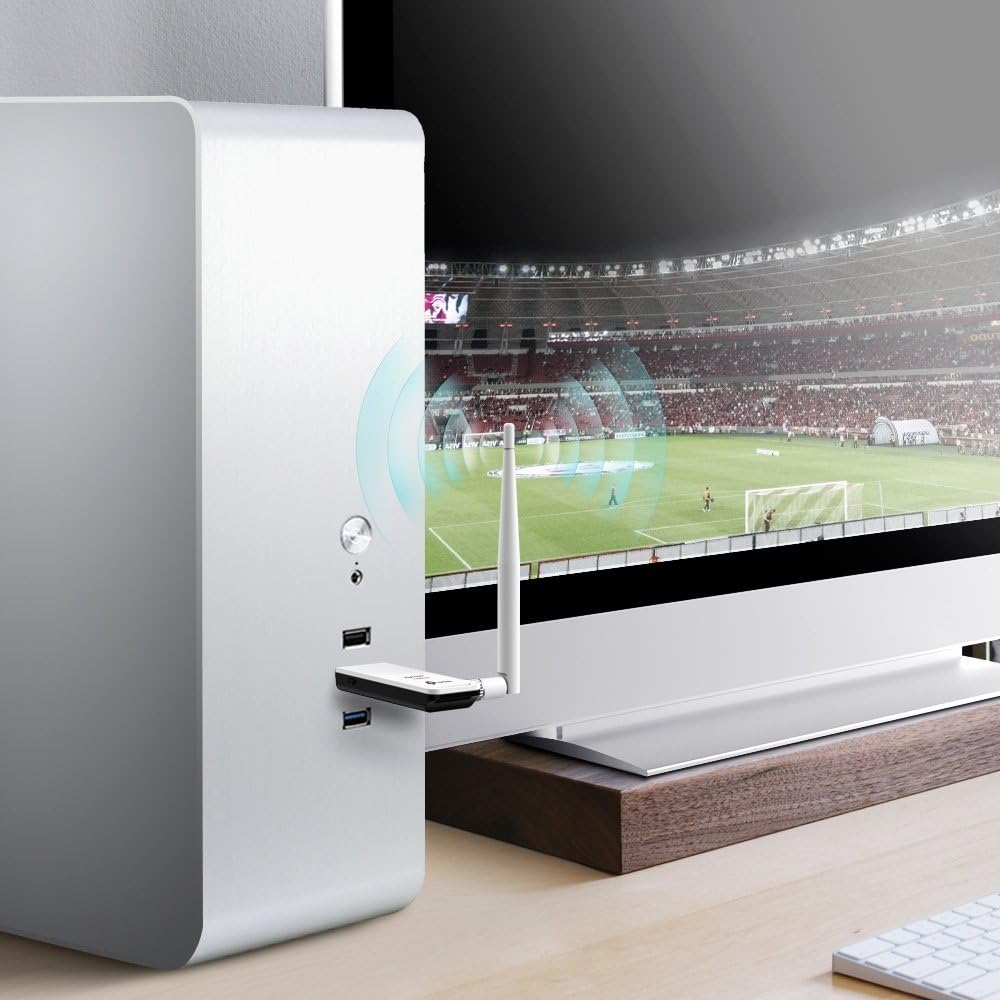
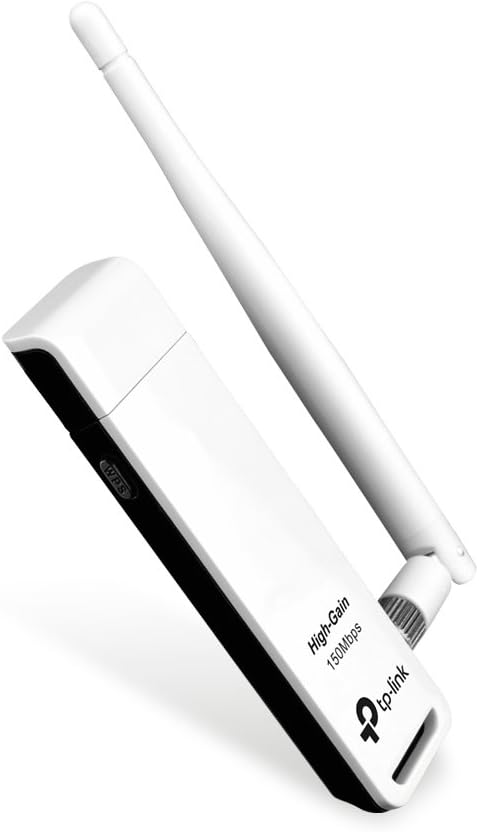
The TP-Link TL-WN722N is a high-gain USB Wi-Fi adapter designed to extend wireless range and improve signal reception on desktop or laptop computers. It uses an external, detachable antenna to help pull in stronger signal in areas where a built-in adapter might struggle. The adapter connects via USB 2.0 and supports 802.11n wireless networking.
What is this product?
This is a USB wireless network adapter that adds or upgrades Wi-Fi connectivity on a computer. It plugs into a USB port and uses an external antenna to help maintain a stronger connection, particularly at greater distances from the router.
Key features and practical benefits
The adapter is built around improving range and signal reliability compared to smaller internal or built-in adapters.
1. High-gain external antenna
The detachable external antenna is designed to improve signal reception compared to compact built-in antennas.
2. Simple USB connection
The adapter connects via a standard USB 2.0 port, making it easy to add wireless connectivity to desktops or older laptops.
3. Broad OS driver support
Driver support for multiple versions of Windows helps the adapter work across a range of common desktop and laptop setups.
Common use-cases
This adapter is commonly used to add Wi-Fi to a desktop PC that lacks built-in wireless, or to replace a weak or malfunctioning internal adapter on a laptop. It also suits users in areas with marginal signal strength who want a stronger external antenna.
Important specifications
Manufacturer specifications for this adapter include:
- Standard: IEEE 802.11n/g/b
- Speed: Up to 150 Mbps
- Interface: USB 2.0
- Antenna: External, detachable, high-gain
- Frequency band: 2.4GHz
Practical considerations
This adapter supports 2.4GHz networks only and requires OS-specific driver installation, which may need manual setup on newer operating systems.
1. 2.4GHz only
This adapter does not support 5GHz networks, so it should be connected to a 2.4GHz-capable network or band.
2. Driver installation required
Some operating systems may require manually downloading and installing drivers for full functionality.
3. USB port placement
Signal quality can be affected by which USB port is used and by nearby obstructions, so testing different ports or a USB extension cable can help.
Who is this product best suited for?
This product is best suited for:
- Desktop PCs without built-in Wi-Fi.
- Laptops with a weak or failing internal wireless adapter.
- Users in areas with marginal 2.4GHz signal strength.
- Anyone needing a simple, budget-friendly USB wireless solution.
It is a practical, low-cost way to add or improve wireless connectivity on a desktop or laptop.
Final assessment
This adapter offers a straightforward way to add Wi-Fi or improve reception with its high-gain external antenna. It performs well for its price point, provided the user’s network operates on the supported 2.4GHz band.
Ready to Buy the TP-Link Wi-Fi Adapter?
If you need a simple way to add or improve Wi-Fi on a desktop or laptop, this adapter is a practical option.